
Wondering how to turn off captions that keep showing up on your videos? Whether you’re binge-watching Netflix, scrolling TikTok, or crushing a YouTube rabbit hole, subtitles can sometimes be distracting.
Here’s your ultimate emoji-packed guide to turning off captions across all devices and apps — fast, fun, and fuss-free 😎
How to turn off captions on Android
Want your screen to stop talking back to you? 😉 Here’s how to turn off captions on Android:
- Open Settings
- Tap Accessibility
- Select Caption Preferences or Hearing Enhancements (differs by device)
- Toggle “Show Captions” OFF
✨ Boom—silence is golden again.
How to turn off captions on phone
No matter the brand, here’s how to hush those pop-up words:
- Android: Go to Settings > Accessibility > Captions > OFF
- iPhone: Tap Settings > Accessibility > Subtitles & Captioning > OFF
📱 Done! Your phone just got a little less chatty.
Turn off auto captions YouTube app
The YouTube app trying to read your mind again? Turn those auto captions off:
- Open the YouTube app
- Tap your Profile Picture > Settings > Captions
- Disable “Captions” or set Caption Language to “Off”
🎬 No more surprise subtitles!
Turn off Live Caption Samsung
Samsung’s Live Caption is cool—until it’s not. Here’s how to shut it down:
- Press the Volume button
- Tap the Live Caption icon (CC box) when it pops up
- OR: Go to Settings > Accessibility > Hearing Enhancements > Live Caption > OFF
👂 Bye-bye live subtitles!
How to turn off captions on YouTube
Watching YouTube and those captions are killing your vibe? Here’s how to nix ’em:
- Click the Settings ⚙️ icon on the video
- Tap Subtitles/CC
- Choose “Off”
👏 Peace restored.
How to turn off captions on YouTube Shorts PC
Yes, Shorts got chatty too. Here’s how to mute captions on Shorts (desktop):
- Play a Short video
- Hover and click the CC icon (bottom right) to turn captions off
💻 Instant quiet on the Shorts set.
How to turn off Live Caption in Windows 10
Windows 10 being a little too helpful? Turn Live Caption off like this:
- Press Windows + Ctrl + L (shortcut to toggle Live Captions)
- OR go to Settings > Ease of Access > Hearing > Turn OFF Live Captions
🖥️ Your computer won’t speak unless spoken to.
⚡ Quick Picks: Turn Off Captions in 2 Clicks!
Need the answer NOW? Here’s your speed-run guide 🏃♀️💨
- YouTube: Tap ⚙️ > Subtitles/CC > Off
- TikTok: Share ➡️ > Captions > Off (if available)
- Netflix: Audio & Subtitles > Subtitles: Off
- Instagram Reels: Skip the Captions option while creating
- Smart TV: Settings > Accessibility > Captions: Off
- Android/iPhone: Accessibility > Captions > Toggle Off
📺 How to Turn Off Captions on YouTube
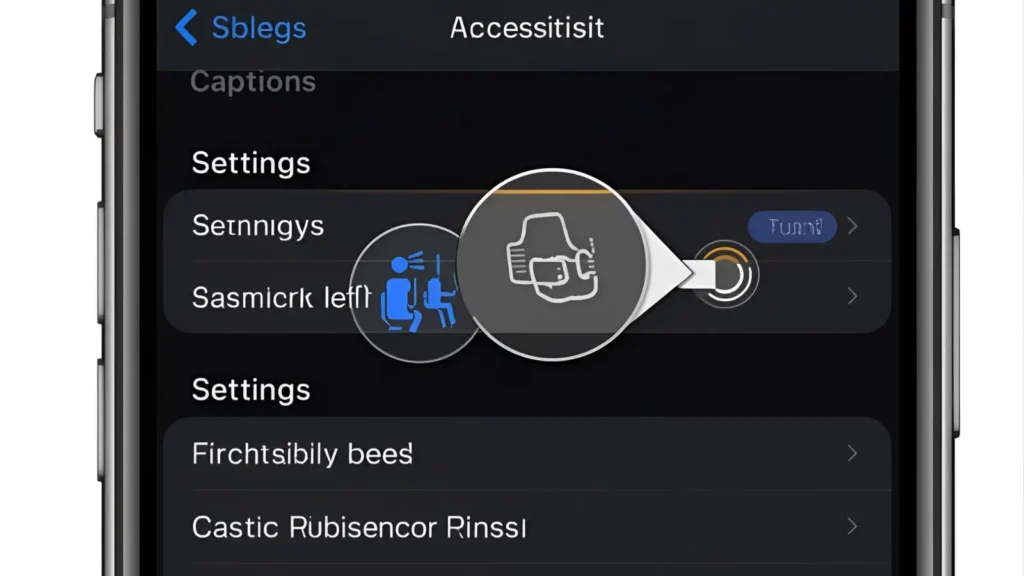
YouTube loves sneaking in those subtitles — here’s how to stop ’em 🔇
🖥️ On Desktop:
- Click the CC button 🟥 under the video player
- Or tap Settings (⚙️) > Subtitles/CC > Off
📱 On Mobile:
- Tap the three dots ⋮ on the top-right of the video
- Hit Captions > Off ✔️
📱 How to Turn Off Captions on TikTok
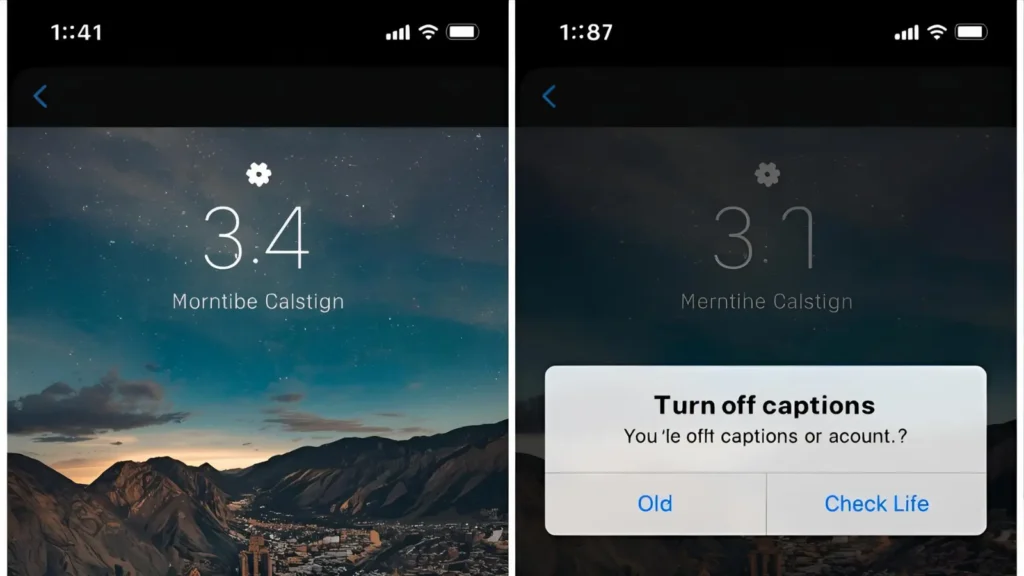
TikTok captions getting in the way of the vibes? Let’s fix it ✂️🎶
👀 As a Viewer:
- Tap the share icon ➡️
- Tap Captions > Off (if enabled by creator)
🎥 As a Creator:
- Skip the auto-caption option during editing
- Or tap the text and delete the caption layer manually
🎥 How to Turn Off Captions on Netflix
Subtitles got you squinting through scenes? Here’s how to zap them 🔥🍿
🖥️ On Smart TV:
- Click Audio & Subtitles
- Choose Subtitles: Off 🙌
📱 On Mobile/Desktop:
- Tap the screen while watching
- Select Subtitles icon > Off ✅
🤳 How to Turn Off Captions on Instagram Reels
IG auto-captions = helpful sometimes, annoying most days 🙄
👁️ As a Viewer:
- No way to hide manually-added text captions 😓
- If it’s auto-generated, there may be an option to disable via settings (experimental)
💃 As a Creator:
- Deselect Captions when editing your Reel
- Or remove text layers if added manually
🖥️ How to Turn Off Captions on Smart TVs (Samsung, LG, Roku)
Get your TV drama without extra text, no matter your brand 📺🚫
📺 Samsung:
- Settings > General > Accessibility > Caption Settings > Off
📺 LG:
- Settings > Accessibility > Subtitles > Off
📺 Roku:
- Settings > Accessibility > Captions Mode > Off
💻 How to Turn Off Captions on Windows Media Player
Old-school but still popular 🎞️ — here’s how to strip those captions:
- Open Windows Media Player
- Tap Play > Lyrics, Captions and Subtitles > Off 👏
🔊 How to Turn Off Captions on VLC Player

VLC showing subtitles you didn’t ask for? Let’s block that! 🛑🎬
- Tap Subtitle > Subtitle Track > Disable
- Or go to Tools > Preferences > Subtitles/OSD
- Uncheck Enable Subtitles for good 🧼
📺 How to Turn Off Captions on Hulu

Hulu hides captions in menus — but you’ve got this 🕵️
📱 On Mobile:
- Tap the screen while watching
- Go to Settings > Subtitles > Off
📺 On TV:
- Press Up for playback options
- Select ⚙️ Settings > Subtitles > Off
📘 How to Turn Off Captions on Facebook Videos
Scroll in peace without surprise subtitles 🧘♀️📱
- Tap ⋮ on the video post
- Choose “Turn Off Captions” if the toggle is there
- Or go to Settings > Videos > Always Show Captions > Off
📲 How to Turn Off Captions on Android Devices

Kill system-wide captions in one swoop 💥📱
- Go to Settings > Accessibility > Captions
- Toggle Captions > Off
🎯 Pro tip: Some apps use their own settings too — check inside each app!
🍏 How to Turn Off Captions on iPhone/iPad
Apple makes it simple and sleek 🍎✨
- Open Settings > Accessibility > Subtitles & Captioning
- Toggle Closed Captions + SDH > Off 💡
🖥️ How to Turn Off Captions on Mac

No more captions while you sip your latte and stream 📶☕
- Go to System Settings > Accessibility > Captions
- Toggle Closed Captions + SDH > Off
🎮 How to Turn Off Captions on PS5 or Xbox
Because even gaming needs less text and more action 🎮🔥
🕹️ PlayStation:
- Go to Settings > Accessibility > Closed Captions > Off
🧩 Xbox:
- Go to Settings > Ease of Access > Closed Captioning > Off
📦 How to Turn Off Captions on Amazon Prime Video

We love Prime. We don’t love unwanted subs 🥴
📱 On Mobile/Desktop:
- Tap the dialog icon during playback
- Set Subtitles > Off
📺 On TV:
- Hit up on remote > go to Subtitles > Off
🧞♂️ How to Turn Off Captions on Disney+

Even magic doesn’t need subtitles sometimes 🪄✨
- While watching, open Audio & Subtitles
- Switch Subtitles > Off
Done! Now you can enjoy the magic without distractions 💫
🧠 Bonus: How to Turn Off Captions Everywhere — Permanently!
Ready to banish subtitles forever? Here’s the master list 🧹🔒
- Use account preferences in Netflix, Prime, Hulu to default captions “Off”
- Adjust device-level accessibility settings
- Turn off Auto Caption in TikTok and Instagram Reels creation
- Use VLC/Media Player preferences to disable all subtitle tracks
Set it once. Live subtitle-free forever 🙌
✅ Conclusion: Say Goodbye to Unwanted Subtitles! 🚫📺
Captions have their moment — but sometimes, you just want clean content.
Whether you’re watching, scrolling, or editing, now you know exactly how to turn off captions on every platform. Simple, sleek, and distraction-free 😎💡

Emily is a social media enthusiast who loves turning everyday thoughts into viral captions. She brings a touch of charm and creativity to every post.